
Questions & Answers
Before asking, please do a search to see if the samequestion has already been asked and answered.

Importing an image

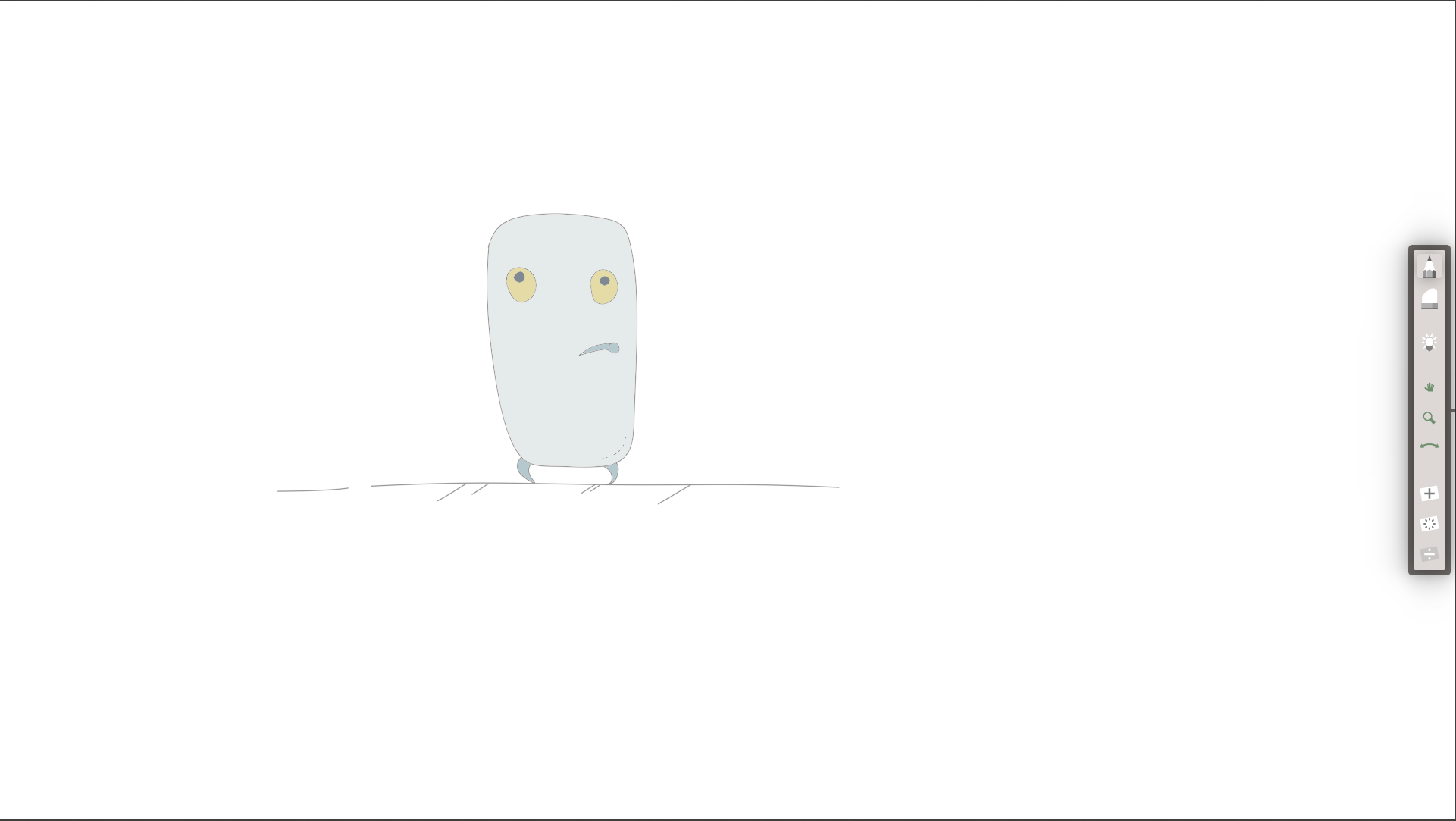
Quote from Zvensan on November 23, 2025, 11:50 amHello, I apologize for my poor English. I have a question about importing an image into AnimationPaper. The imported image becomes dull, and in the program itself, the layer containing the imported image is completely dotted (I've attached the image). When outputting the animation as a video, everything looks dull. How can I fix this? I've attached the images. I'd appreciate any help.
Hello, I apologize for my poor English. I have a question about importing an image into AnimationPaper. The imported image becomes dull, and in the program itself, the layer containing the imported image is completely dotted (I've attached the image). When outputting the animation as a video, everything looks dull. How can I fix this? I've attached the images. I'd appreciate any help.
Uploaded files: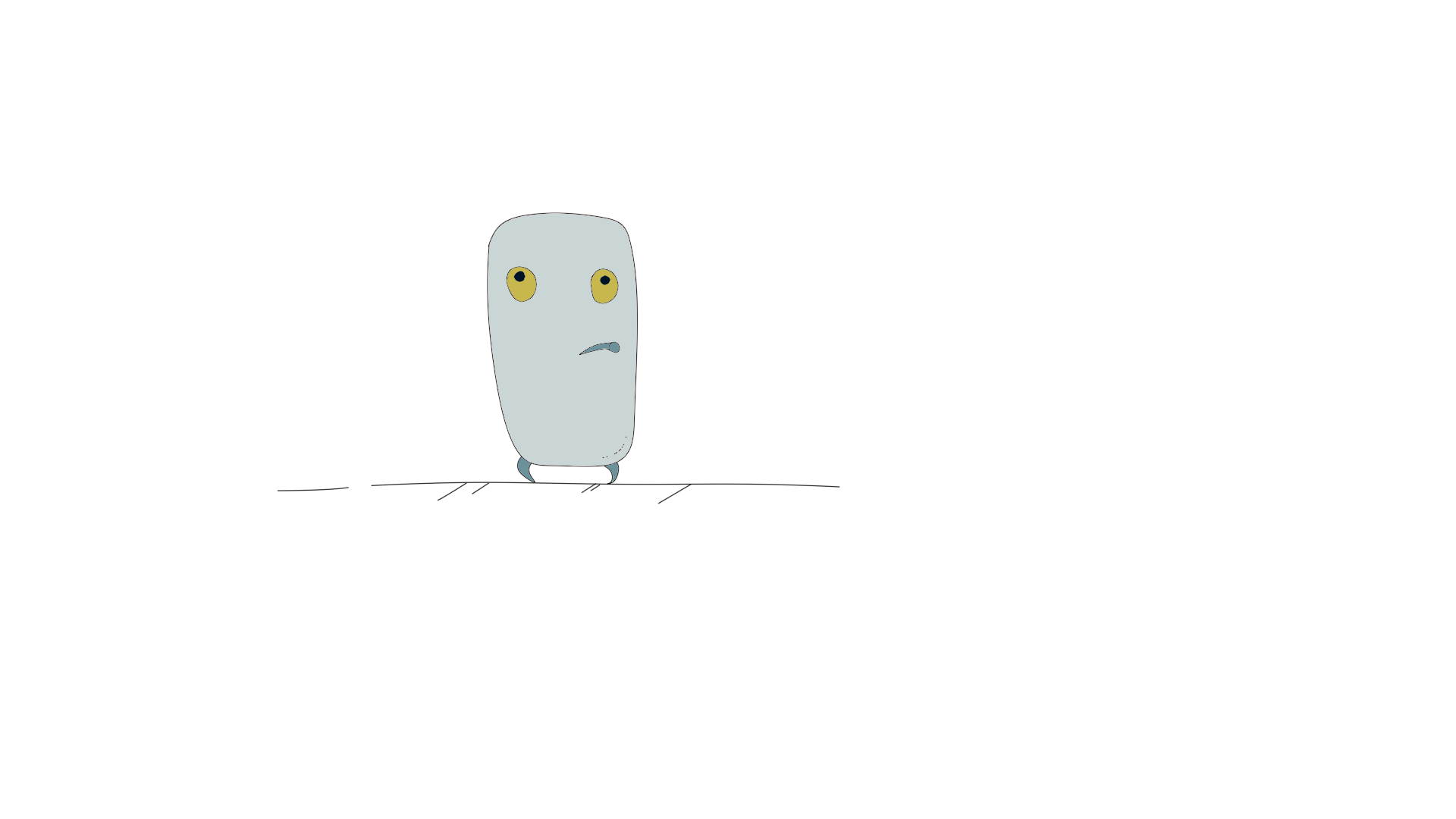

Quote from Niels on November 23, 2025, 12:11 pmHi Zvensan!
Thanks for your question. First of all, when you import an image into Animation Paper it regards it as a reference. So it creates a reference layer with your image in it. If you selected many images (like a sequence of frames) it will import them all as a sequence.
This ref-layer is automatically set to 50% opacity. This way it is easier to see what you are drawing on top of it. So if you imported a background image, it is helpful to have it dimmed down so your drawn animation on top is clearly visible.
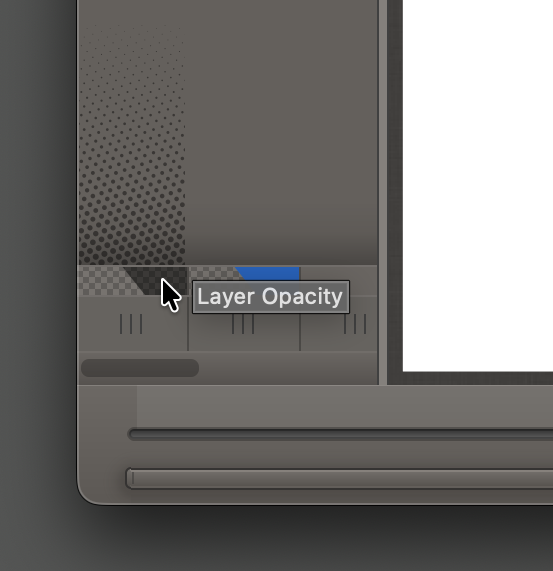
But in your case I can see why you want it at 100% opacity. You can easily adjust it by clicking in the lower part of the layer column in the X-Sheet. It's right here:
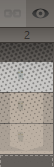
By the way, the dots you see at the top and bottom of the ref-layer column is just visual indication that it is indeed a ref-layer (raster/bitmap). Your normal layers that you create in Animation Paper is sort of a hybrid (using vector data) - where you do your drawing. These layers have the advantage that they can be scaled/rotated/moved without loosing any quality. They will stay crisp at all times. You can also choose to export your animation at say 200% and your drawn lines will be scaled up 2 times, and look perfectly sharp (no blurring).
Anyway 🙂 Just set your layer to 100% and export again. Your drawing will not look dull.
Feel free to ask again if you run into other confusing things! No problem!
Thanks,
Niels
Hi Zvensan!
Thanks for your question. First of all, when you import an image into Animation Paper it regards it as a reference. So it creates a reference layer with your image in it. If you selected many images (like a sequence of frames) it will import them all as a sequence.
This ref-layer is automatically set to 50% opacity. This way it is easier to see what you are drawing on top of it. So if you imported a background image, it is helpful to have it dimmed down so your drawn animation on top is clearly visible.
But in your case I can see why you want it at 100% opacity. You can easily adjust it by clicking in the lower part of the layer column in the X-Sheet. It's right here:
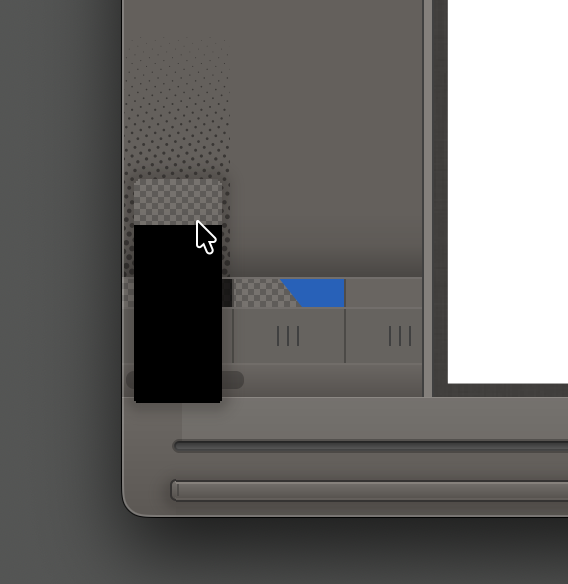
By the way, the dots you see at the top and bottom of the ref-layer column is just visual indication that it is indeed a ref-layer (raster/bitmap). Your normal layers that you create in Animation Paper is sort of a hybrid (using vector data) - where you do your drawing. These layers have the advantage that they can be scaled/rotated/moved without loosing any quality. They will stay crisp at all times. You can also choose to export your animation at say 200% and your drawn lines will be scaled up 2 times, and look perfectly sharp (no blurring).
Anyway 🙂 Just set your layer to 100% and export again. Your drawing will not look dull.
Feel free to ask again if you run into other confusing things! No problem!
Thanks,
Niels

Quote from Infinity Engine on December 23, 2025, 8:24 amhey, when I import an image, I can't draw on it or use lasso, or anything how do I fix that?
hey, when I import an image, I can't draw on it or use lasso, or anything how do I fix that?
Quote from Niels on December 23, 2025, 12:36 pmHi Infinity Engine, images you import are not meant for editing like you talk about. It is meant for reference, - so what you do is draw on top of it (trace) in a new layer. Then you are free to refine your drawing, erase, lasso, etc.
You see, the normal layers of Animation Paper contains vector data, even though it feels like regular bitmap/raster. This enables all kinds of advantages, such as being able to rotate and scale your drawings without any degradation or blurring. Reference layers on the other hand are simple bitmap images, that can be manipulated (transformed in the new release, beta 3, coming in a few days) and timed, etc. This can be used for rotoscoping (import a sequence of frames), backgrounds, layouts, modelsheets, etc, etc.
I hope I explained it well enough to make sense. 🙂 Feel free to ask more questions!
Best,
Niels
Hi Infinity Engine, images you import are not meant for editing like you talk about. It is meant for reference, - so what you do is draw on top of it (trace) in a new layer. Then you are free to refine your drawing, erase, lasso, etc.
You see, the normal layers of Animation Paper contains vector data, even though it feels like regular bitmap/raster. This enables all kinds of advantages, such as being able to rotate and scale your drawings without any degradation or blurring. Reference layers on the other hand are simple bitmap images, that can be manipulated (transformed in the new release, beta 3, coming in a few days) and timed, etc. This can be used for rotoscoping (import a sequence of frames), backgrounds, layouts, modelsheets, etc, etc.
I hope I explained it well enough to make sense. 🙂 Feel free to ask more questions!
Best,
Niels